
Tensorflow 介紹 …
Tensorflow 是
1. 機器學習的開發平台
2. 可使用 Python 或者 C++
3. 有兩種版本 CPU 或者 GPU
4. 是 GOOGLE 開發的
Introduce Tensorflow …
Tensorflow is
1. Platform of machine learning
2. Support languages are Python and C++
3. Across a variety of platforms. (CPU or GPU)
4. Is google system
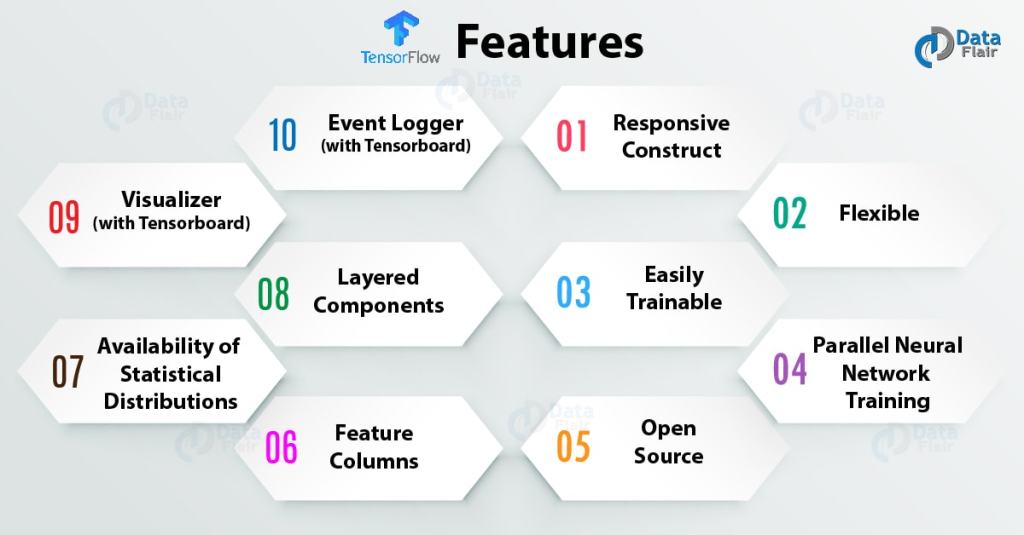
安裝環境 Environment …
- WIN 10
- CPU Tensorflow
- Python 3.7
步驟 Steps …
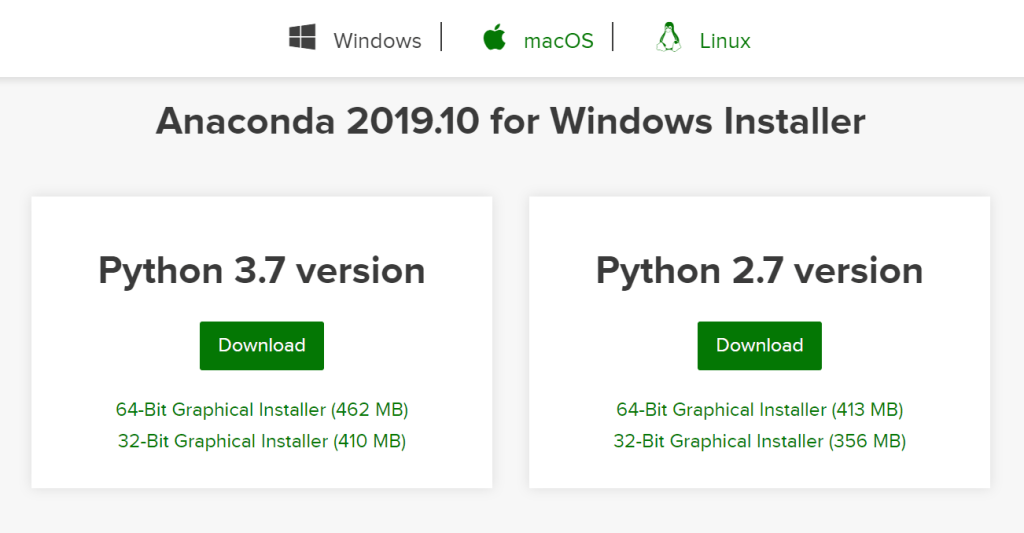
1.Install Anaconda
. https://www.anaconda.com/distribution/#windows
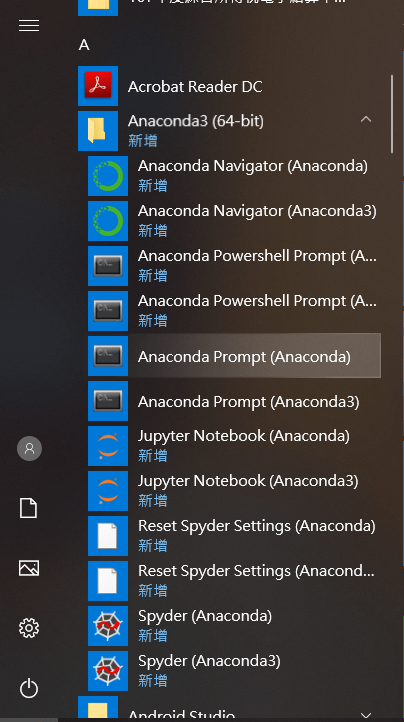
2.Open Anaconda Prompt
3. input pip install tensorflow
4.inputconda create -n tensorflow python=3.5
上網查說,python 3.5 的版本目前是運行的最順利的,所以我先試試
After searching, a lot of developers said that the most stable environment is running in python 3.5 is . So I started with python 3.5
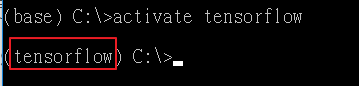
5.inputactivate tensorflow
你剛剛創建的 tensorflow
You just created tensorflow
6.testimport tensorflow as tfhello = tf.constant('Hello world') sess = tf.Session()print(sess.run(hello))
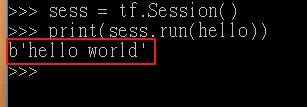
7. inputdeactivate
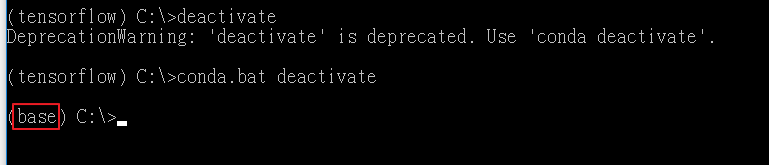
8. 遇到問題 Encounter Problem …
當我第一次嘗試 import tensorflow,上面顯示 ‘ImportError: No module named ‘tensorflow’ 。所以我查了一下,發現很多人遇到相同的問題。結果需要另一個指令 conda install -c https://conda.anaconda.org/jjhelmus tensorflow。接著一切正常。
When I first tried to import tensorflow, it showed that ‘ImportError: No module named ‘tensorflow". So I searched, realized that a lot of users encounter the same problem. You need to input another command. conda install -c https://conda.anaconda.org/jjhelmus tensorflow. Then everything works fine for me.
參考:
https://stackoverflow.com/questions/40472144/importerror-no-module-named-tensorflow-cant-install-tensorflow
https://en.wikipedia.org/wiki/TensorFlow
https://www.itread01.com/content/1546953667.html
Live well, love lots, and laugh often.
-MsHe
 MsHe Channel